MacOS malware hijacks Telegram sessions, targets crypto wallets
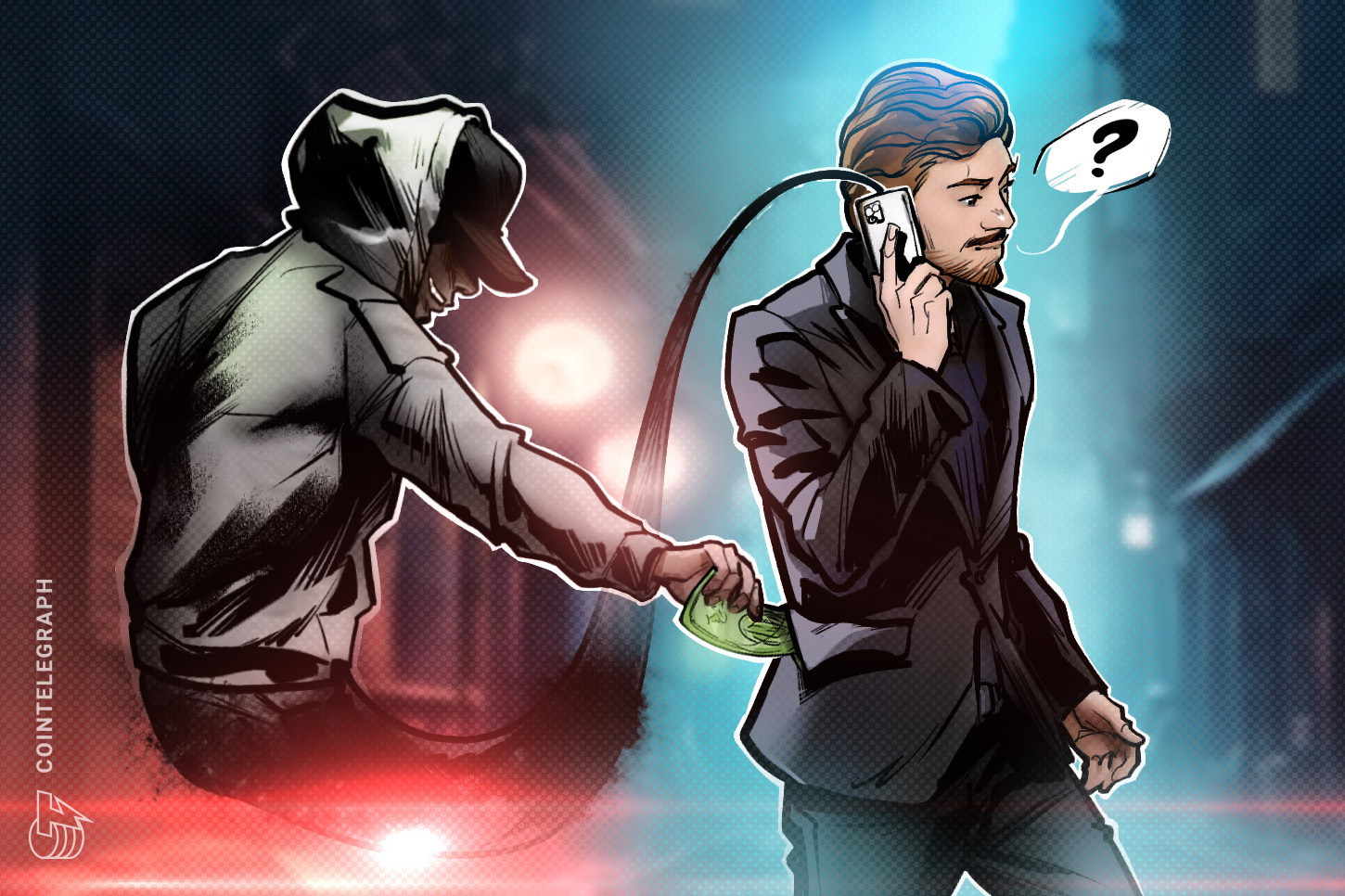
macOS malware hijacks Telegram Desktop sessions and raids cryptocurrency wallets, blockchain security firm SlowMist warns. The stealer copies authenticated session files, harvests Keychain and browser credentials, and either decrypts stolen wallet databases offline or swaps legitimate Ledger and Trezor applications with fake versions designed to capture recovery phrases.
Key Takeaways
- SlowMist identified macOS information-stealing malware that hijacks Telegram Desktop sessions and targets crypto wallets.
- The malware harvests macOS Keychain data, Safari cookies, Apple Notes, Telegram session files, and wallet databases from more than a dozen applications.
- Telegram two-step verification does not block the attack because attackers reuse an existing local session rather than logging in fresh.
- Attackers may decrypt stolen wallets offline or replace legitimate Ledger Live and Trezor Suite apps with convincing fakes.
- Compromised users should terminate Telegram sessions, rotate security settings, and move assets using a new recovery phrase on clean hardware.
How does macOS malware hijack Telegram sessions?
According to blockchain security firm SlowMist, the malware is an information stealer built for broad data harvesting on Apple computers. It pulls material from the macOS Keychain, Safari cookies, Apple Notes, Telegram Desktop, and local databases linked to more than a dozen cryptocurrency wallets.
After collecting passwords and authenticated sessions, the malware copies users authenticated Telegram Desktop session data alongside wallet databases and browser wallet extension data. SlowMist reproduced the full attack chain in an isolated lab environment to confirm the threat is operational, not theoretical.
In testing, researchers restored stolen Telegram Desktop session files on a separate Mac without entering a phone number, SMS verification code, or two-step verification password. The client immediately resumed the victim account and began syncing chat history.
Which cryptocurrency wallets does the malware target?
SlowMist said the malware combines several techniques into one coordinated attack chain, giving attackers multiple paths to drain cryptocurrency accounts.
Software wallets in the crosshairs include Exodus, Atomic, Electrum, Wasabi, and Monero. Hardware wallet applications such as Ledger Live and Trezor Suite are also targeted. The stealer additionally searches wallet data stored by full-node clients including Bitcoin Core, Litecoin Core, Dash Core, and Dogecoin Core.
Once files are exfiltrated, attackers can attempt to decrypt stolen wallet databases offline using passwords harvested from the infected device. Alternatively, the malware can replace legitimate Ledger and Trezor applications with fake versions that trick users into voluntarily entering their wallet recovery phrases.
Why does Telegram two-step verification fail here?
Telegram two-step verification is designed to protect new logins, but this campaign sidesteps that control entirely. SlowMist found the malware reuses an authenticated local Telegram Desktop session instead of initiating a fresh login flow.
Because the stolen session is already authorized, attackers inherit full desktop access without triggering the phone-number or 2FA prompts that normally guard account entry. That makes the technique especially dangerous for crypto communities that coordinate trades and support through Telegram groups.
For broader context on digital-asset security threats, see our ongoing coverage in Fintech & Crypto Alerts.
What should macOS crypto users do if infected?
SlowMist urged anyone who suspects their Mac has been compromised to act immediately. Users should terminate all existing Telegram sessions, establish a new trusted login, and change both their Telegram two-step verification password and Telegram Desktop Passcode.
The firm also recommended generating a new recovery phrase on a clean device and transferring all cryptocurrency assets to new addresses. Replacing passwords stored in the Keychain, browsers, or Apple Notes is prudent after any confirmed infection.
Official reporting on the campaign is available from Cointelegraph, which first detailed the SlowMist findings for crypto investors.